Units and angles
Kind |
On |
Under |
|---|---|---|
Length |
|
|
Angle |
|
|
Plain numbers are user units (CSS pixels, 96 per inch). Lengths carry units and combine across them; the result keeps the left side’s unit. Units also size pages and set print resolution; see Print and colour.
import svgwriter as svg

width = 5 * svg.inch - 7 * svg.mm            # 4.7244in
print(width.to("mm"), svg.inch(1) / svg.mm(25.4))
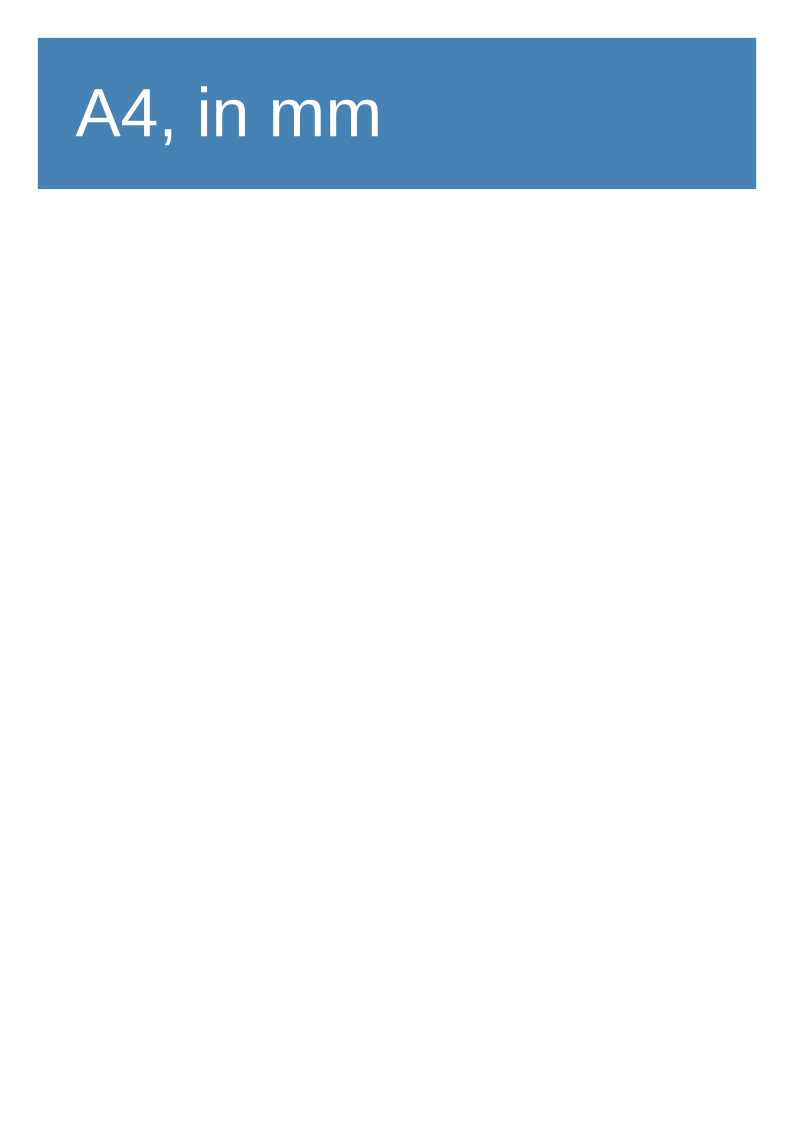
page = svg.Document(210 * svg.mm, 297 * svg.mm)   # A4; coordinates inside are millimetres
page.rect(10, 10, 190, 40, fill="steelblue")
page.text("A4, in mm", x=20, y=36, font_size=18, fill="white")
# page.save("print.png", dpi=300)
spin = svg.rect(0, 0, 4, 2, fill="tomato") @ svg.turn(0.25)  # angles: deg, rad, turn (svg.units.grad too)

A document sized in a physical unit with a matching viewBox, such as svg.Document(size="a4") or
the page above, counts its user units in that unit. Lengths you give there mean the same thing
everywhere: rect(width=svg.mm(20)), stroke_width=svg.pt(1), layout gaps and path tools such as
round_corners(svg.mm(3)) all resolve against the page, so the rectangle is written as
width="20" and prints 20 mm wide in browsers and in every export (writing 20mm there would make
browsers scale the millimetres a second time). Lengths set on an element before it joins the page
convert when it is added; attribute text read from an SVG file keeps its SVG meaning. Lengths compare
by physical size, and a user-unit length equals the plain number: svg.Length(5) == 5 and
svg.inch(1) == svg.mm(25.4).
The everyday units are on svg itself: px, pt, mm, cm, inch, em, percent, deg, rad and
turn. Every unit, the rarer ones included, is in svg.units: pc, q (quarter millimetres, written Q),
ex, grad, and units SVG has no suffix for, written in the nearest SVG unit: m, km, um
(micrometres) and nmi (nautical miles) as millimetres; ft, yd, mi, furlong and mil
(thousandths of an inch) as inches. A unit on its own is one of itself, so height=svg.inch is one
inch and svg.turn is a full turn.
print(svg.units.mi(2), svg.units.km(1.5), svg.units.pc(3))   # 126720in 1500000mm 3pc
print(svg.units.grad(100).to("deg"))                         # 90deg
svg.length(value, unit) and svg.angle(value, unit) take the unit as text, spelled short or in full
("mm", "millimetres", "inches", "degrees", "gon", "turns", …); output always uses the
short suffix.
print(svg.length(1.2, "metres"), svg.length(2, "ft"), svg.Length.parse("3 inches"))
print(svg.angle(0.25, "turns"), svg.angle(100, "gon").to("deg"))
em, ex and % only combine with themselves, because converting them needs a font size or a
reference length. dpi= on raster exports sets pixels per inch (96 is scale=1).
Calculating with units
Multiplying and dividing lengths and angles works like a maths problem: the dimensions travel with the
numbers as powers of length and angle. A length times a length is an area (a Quantity), dividing
it by a length gives a length again, and a length over a length is a plain number. An attribute only
accepts the dimension it needs, so mistakes surface where the value is used:
area = svg.mm(30) * svg.mm(20)               # 600mm², dimension length²
side = area / svg.mm(40)                     # 15mm, a Length again
ratio = svg.inch(1) / svg.mm(25.4)           # 1.0
spin = svg.deg(90) / svg.mm(10)              # length⁻¹·angle: turn per millimetre
print(area, side, ratio, spin * svg.mm(5))   # ... 45deg
box = svg.rect(0, 0, side, side, fill="seagreen")      # 15mm square
try:
    box.width = area
except TypeError as error:
    print(error)                             # width needs a length, got length²
tip = svg.mm(10) @ svg.deg(30)               # a Point: 10mm at 30 degrees from +x

Angles have helpers for direction work. Positive angles turn from +x towards +y, clockwise on screen;
ccw=True asks for the counter-clockwise way round:
heading = svg.deg(350)
print(heading.diff(10), heading.diff(10, ccw=True))   # 20deg, -340deg (shortest arc, then forced)
print(heading.lerp(10, 0.5).wrap(), svg.deg(-90).wrap())   # 0deg, 270deg
print(svg.deg(30).sin(), svg.deg(100).clamp(0, 90), svg.deg(100).clamp(350, 20, circular=True))
print(svg.turn(0.25).arclength(svg.mm(20)))            # 31.4159mm