Demos
The demos/ folder holds complete design projects.
Each one is an ordinary project, as svgwriter new makes them: svgwriter.toml, main.py, theme.toml,
components/, animations/ and assets/, and each uses several features together. Open a demo’s folder
and run svgwriter preview to see it live (with its controls, where it has them), or svgwriter build to
write its outputs into output/. The examples/
stay short scripts about one topic each; see Projects for how projects work.
Every demo also has a Jupyter notebook beside its main.py, named after the demo (<name>/<name>.ipynb), that
shows the code cell by cell with pictures, a panel for the demo’s controls when run, and stills for other
values. python scripts/dev.py svgwriter demo-notebooks build writes them.
Playing card
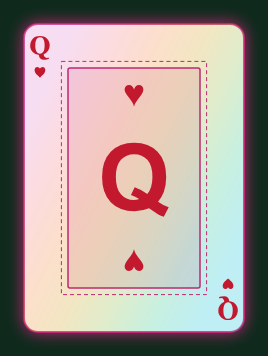
demos/playing-card: a card with
rank and suit buttons, hue, iridescence, glow, corner radius and width controls
(@svg.widgets.controls), corner indices, pips and court panels built from layout groups, and a sweep of
the same parameters written as a GIF. Outputs: SVG, PNG, PDF and GIF. Notebook.
Calculator kit
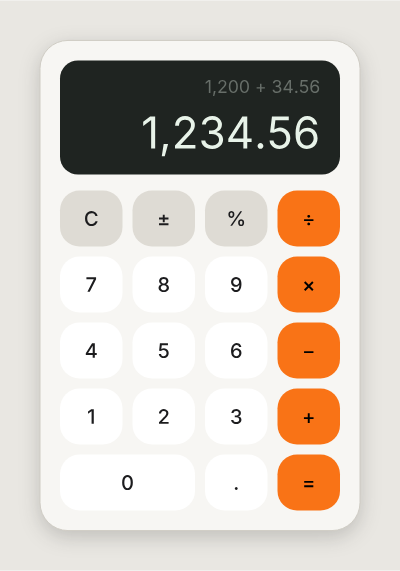
demos/calculator-kit: a calculator
UI from VStack, HStack and Grid, with controls for the shell style, key shape, keypad layout, display
font, size and alignment, history line, key font and weight, spacing and palette. Outputs: SVG, PNG and PDF. Notebook.
Effects
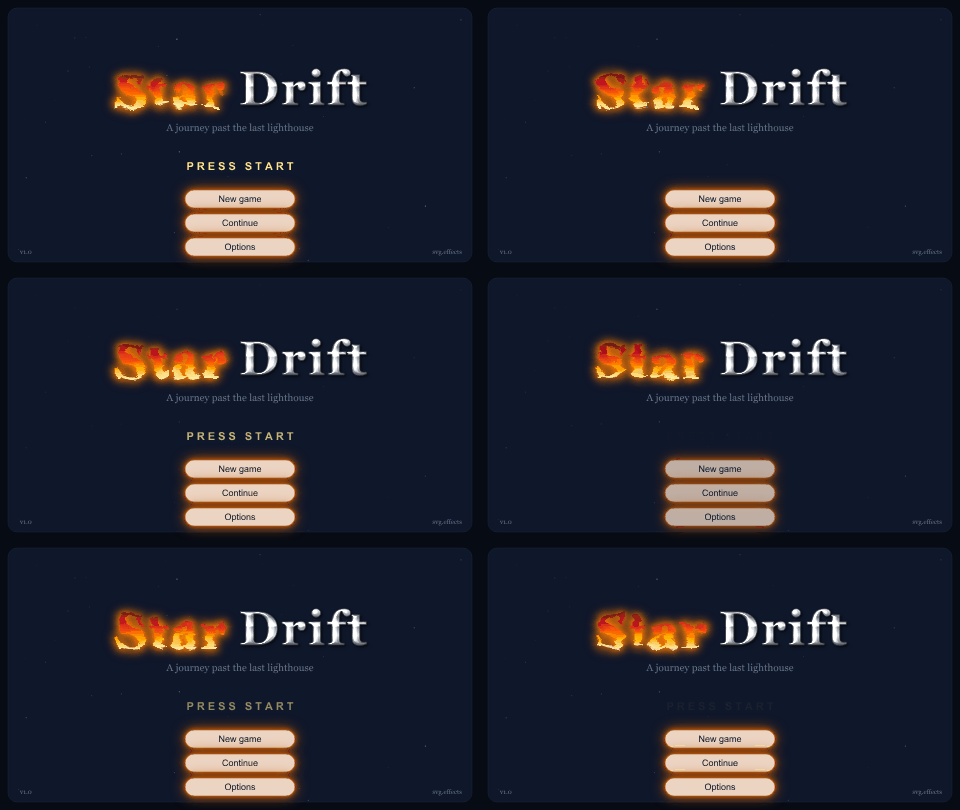
demos/effects: a retro game title screen
whose two title words carry their own effects (still selectable text), a blinking “Press start” and menu
buttons that glow and respond to hover and click, with controls for the title and each effect. Outputs: an
animated SVG and a GIF. Notebook.
Planets lesson
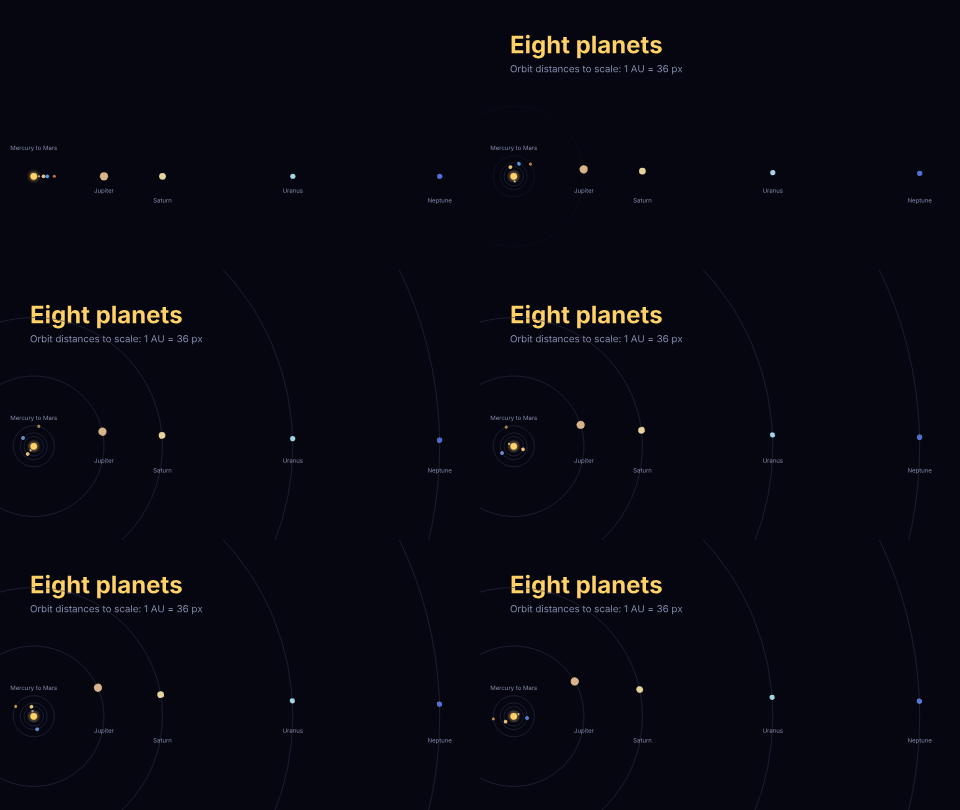
demos/planets-explainer: a four-slide
classroom lesson on the Solar System as Scene classes: a title slide with the lesson’s goals, the planets’
orbits to scale, the Sun beside Betelgeuse with 100 Suns counted up, and a quiz whose answers appear when their
question is clicked. Outputs: a video, an animated SVG per slide and one PowerPoint deck
(pptx = { deck = true }) with slide effects and click triggers for the quiz. Notebook.
Blobs
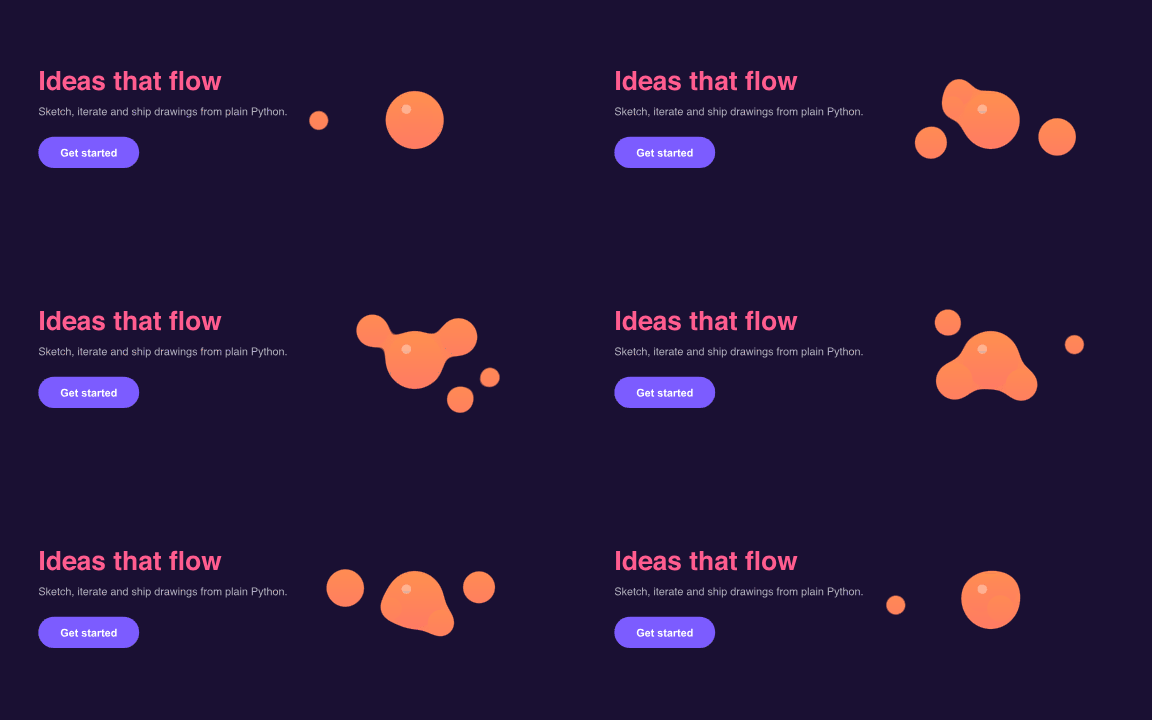
demos/blobs: a website hero banner: a headline
and a “Get started” button (hover and click in the SVG) beside metaballs that merge and split under the goo filter, moved by a project behaviour on a seamless loop, with controls for the number of blobs, their gooeyness, the speed, the headline and the button text. Outputs: GIF and animated SVG. Notebook.
Poster
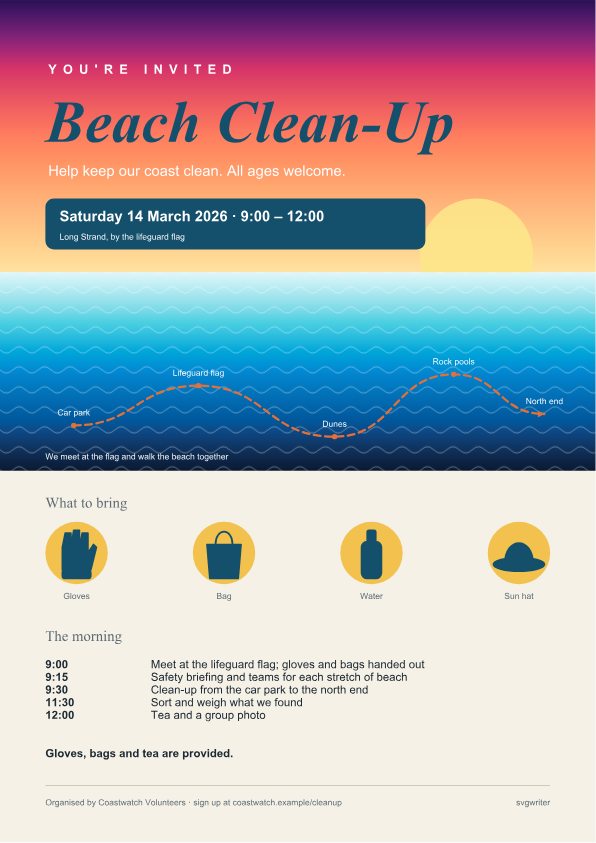
demos/poster: an A4 print poster drawn in
millimetres: an invitation to a beach clean-up with gradients, patterns, a route with markers, drawn icons of what to bring and a schedule read from CSV, and controls for the theme, an accent hue shift and the event’s title, date, time and place. Outputs: a true-size
PDF, a 300 dpi PNG and an SVG. Notebook.
Each demo’s output/ folder holds its built SVG, PDF, PNG and PowerPoint files, so you can open the results
without running anything (python scripts/dev.py svgwriter demo-outputs build rebuilds them). The pictures on this page are built from the demos by python scripts/dev.py svgwriter gallery.